Translate your Google Slides™.
Quality first.
One click turns the presentation you have open into any of 100+ languages — with professional AI quality, and your formatting and layout intact.
Get it for Google Slides See how it works Launching on the Google Workspace Marketplace — the install link will appear right here.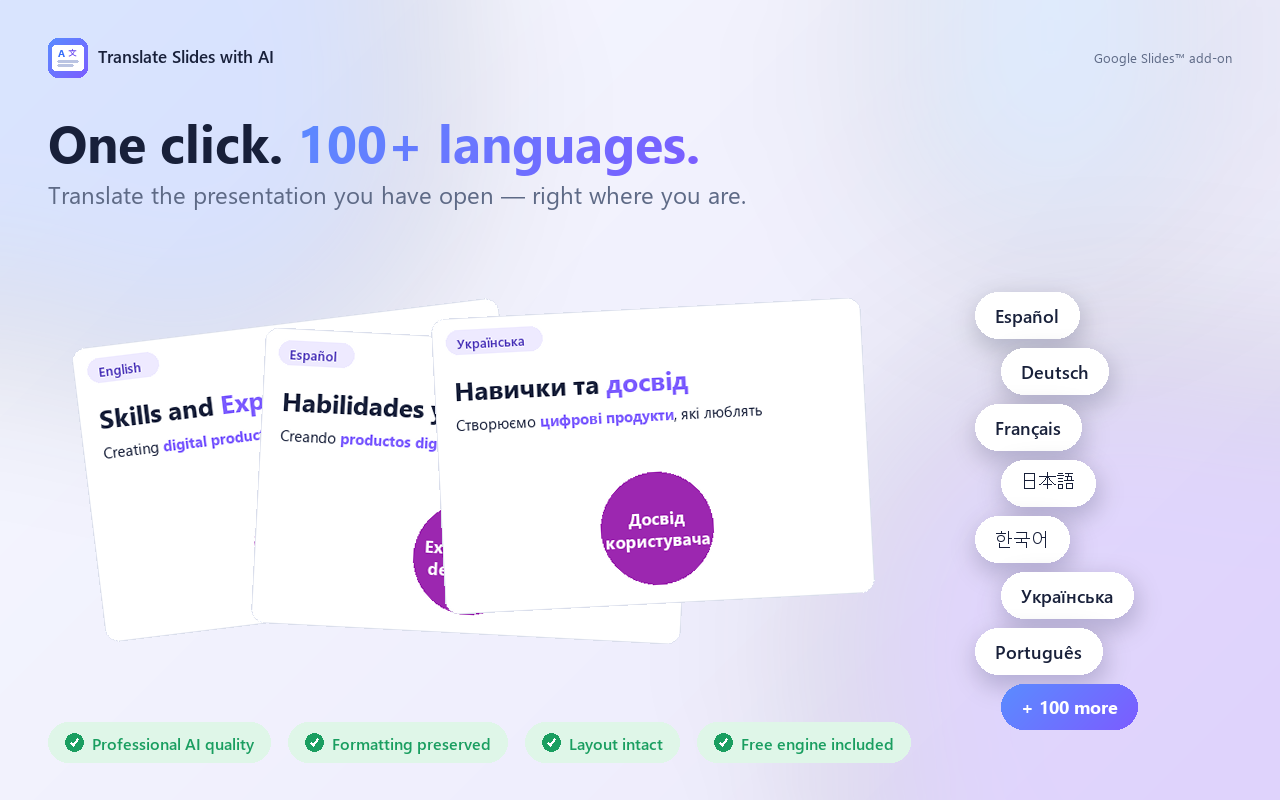
Quick start — watch it work
From “where do I find it?” to a polished translated deck. Hover to pause between steps, click a step to jump.
Built around three promises
Quality you can trust. Formatting that survives. A layout that doesn't break.
Quality you can present.
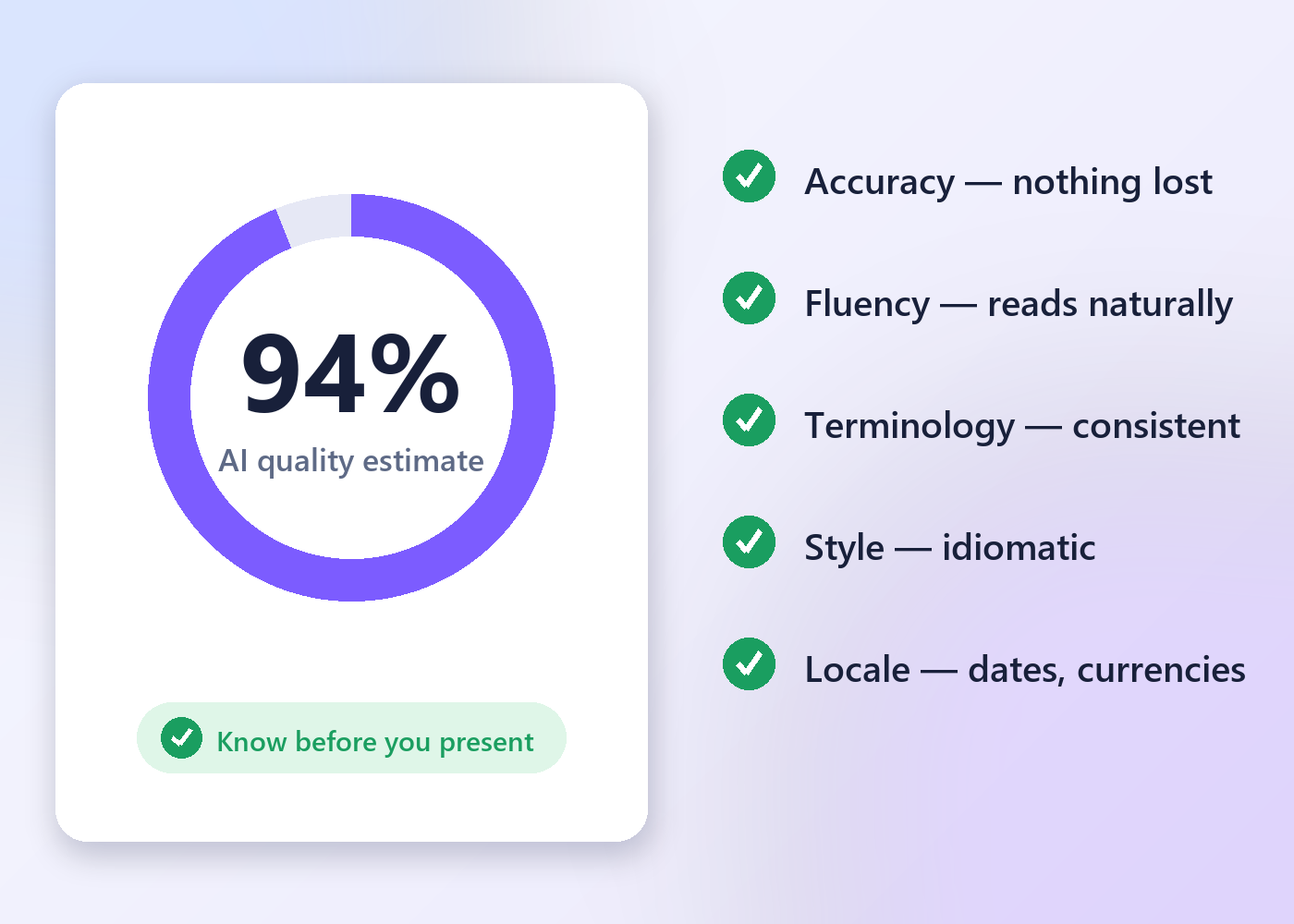
Every AI translation runs with a professional translator's QA checklist built in — and finishes with a quality estimate in percent, so you know how much to trust the result before you step on stage.
- Accuracy — nothing added, omitted or mistranslated
- Fluency, terminology and idiomatic style
- Locale conventions: dates, currencies, measurements
- Add your own instructions: tone, glossary, brand terms
Your design stays your design.
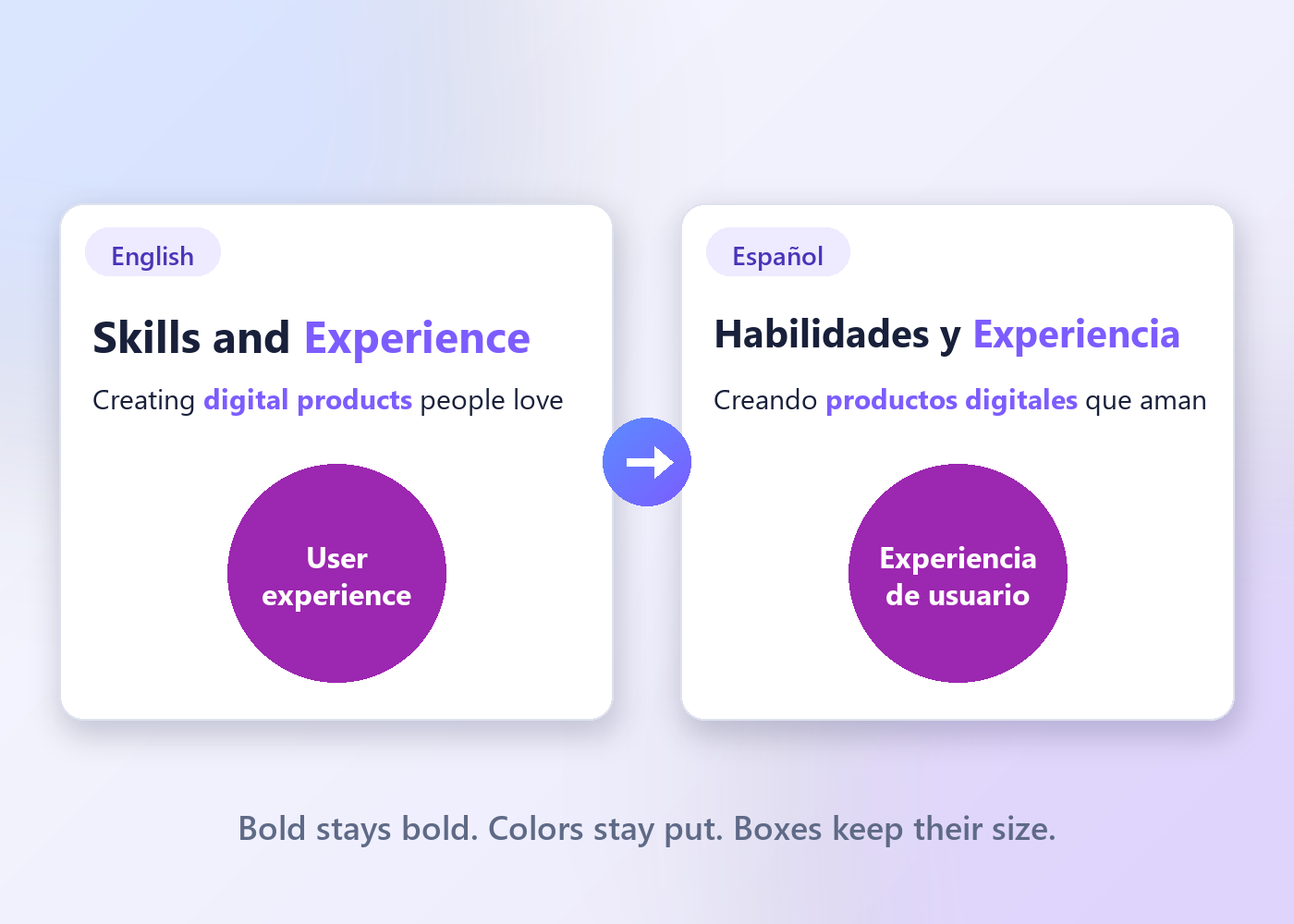
Translations usually come back longer and wreck slide layouts. Not here.
- Bold, colors, fonts and links stay on the right words
- Length-aware translation — same length or shorter whenever quality allows
- Text boxes, circles and diagrams stay where you put them
The whole workflow. One panel.
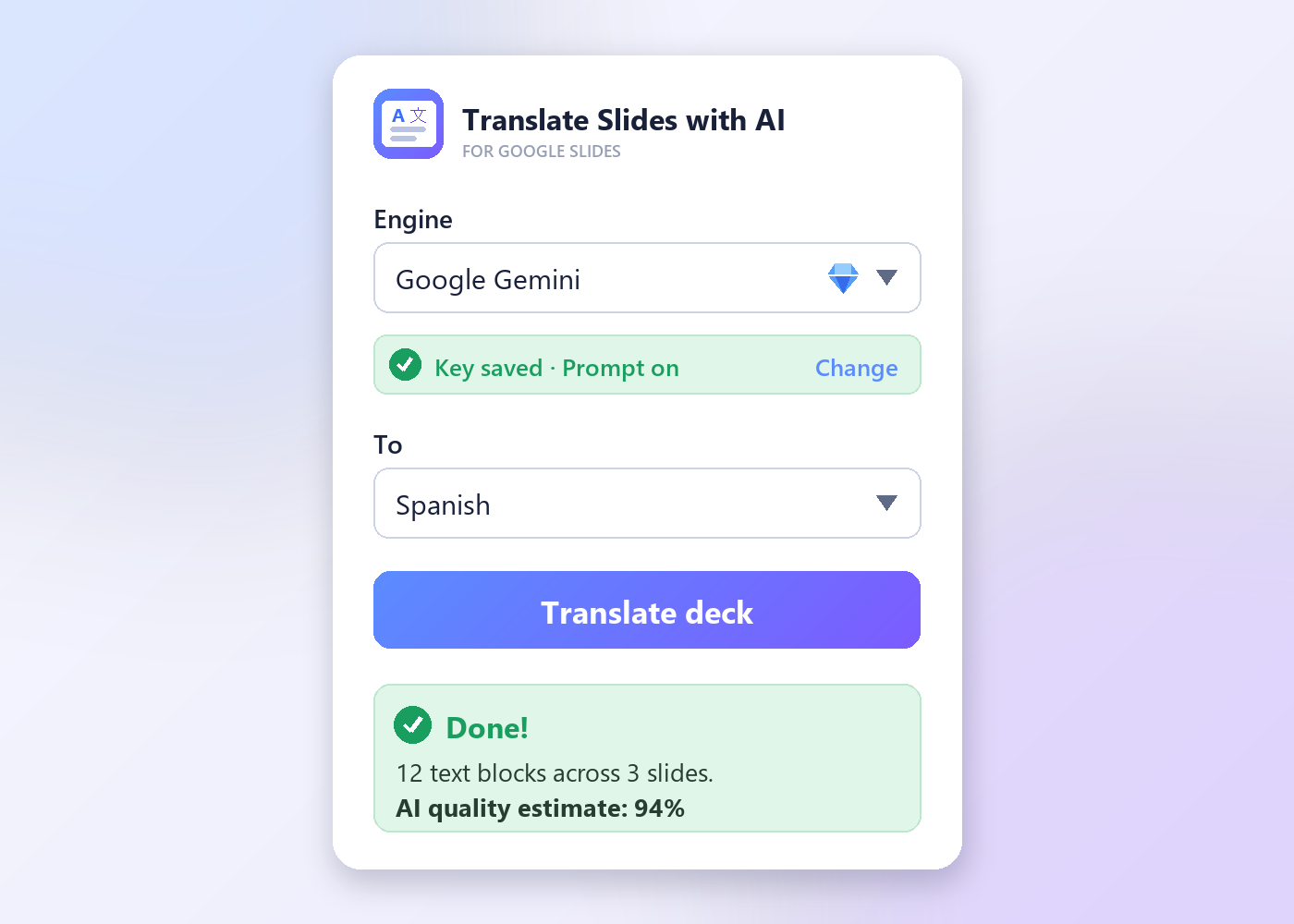
No exports, no copy-paste, no other tabs. Pick a language, click Translate — the deck updates in place.
- Whole deck, current slide, or just the selected text
- Speaker notes included when you want them
- Light and dark theme
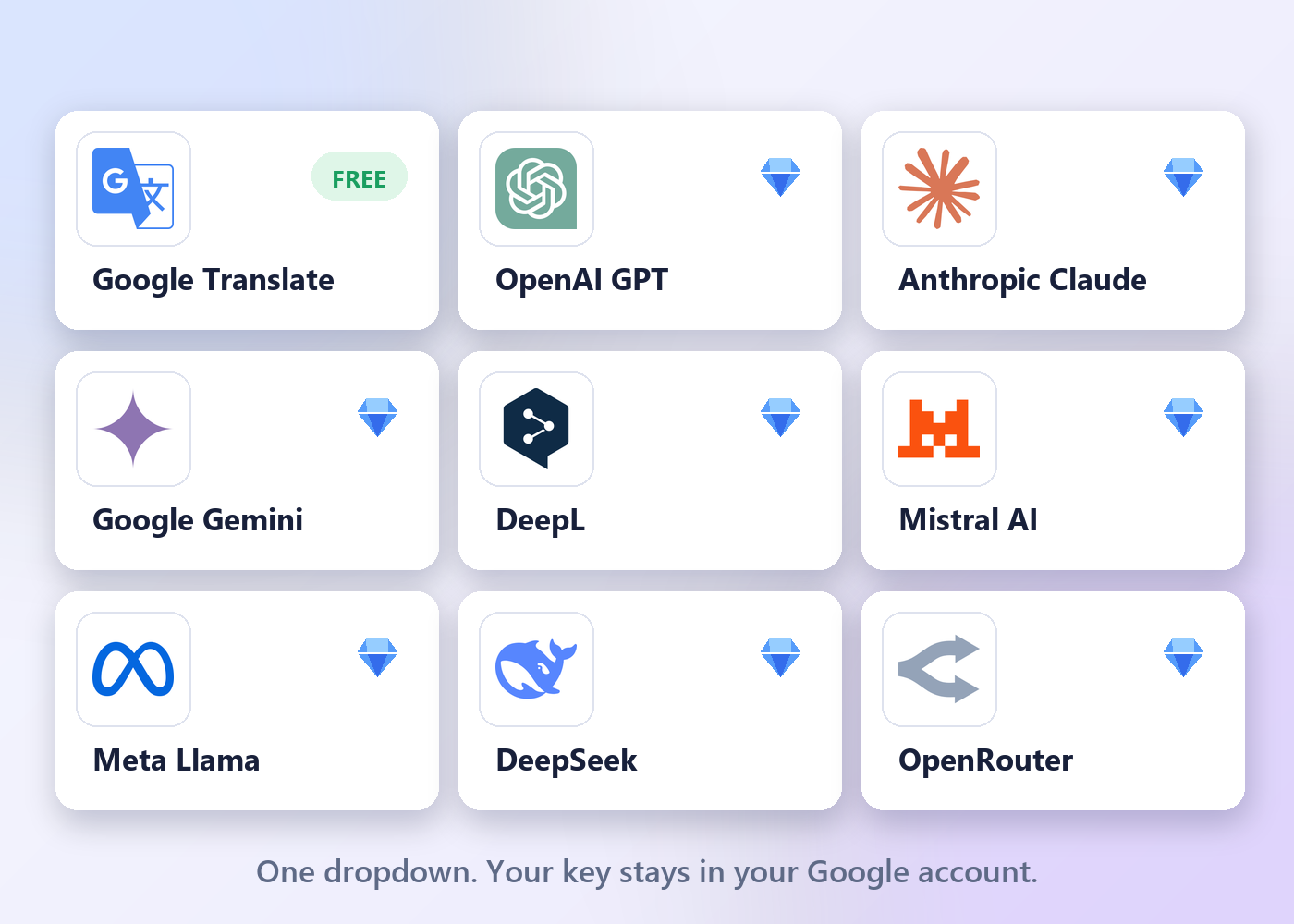
Free to start. Any AI you like.
Google Translate™ is built in — no key, no setup, no artificial caps from us. Want AI-grade quality? Bring your own key for any major model.
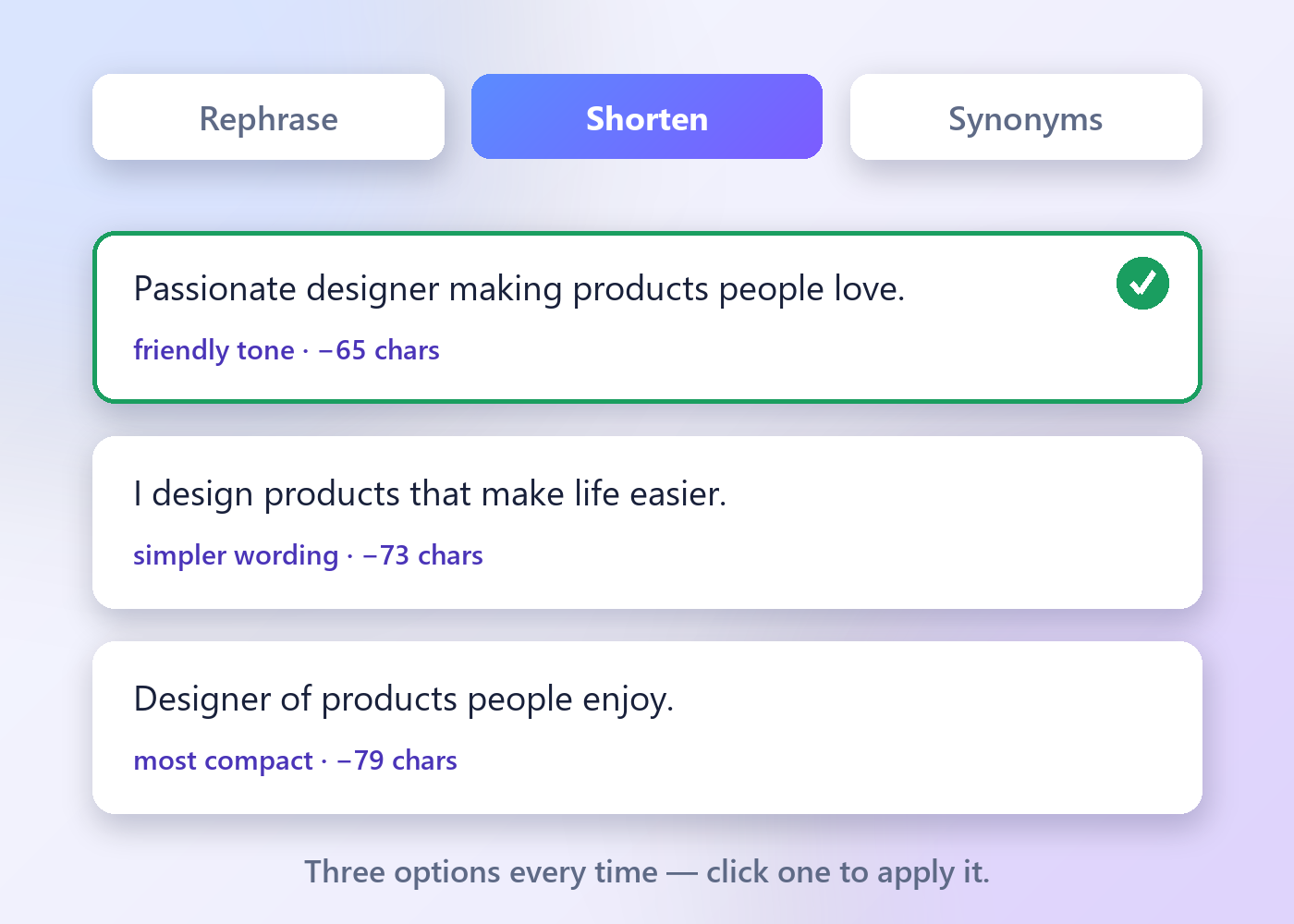
Polish it after. Pick from 3.
The Adapt tab rewrites any selected text with your AI — you always choose from options, never gamble on one.
- Rephrase, shorten or find synonyms
- Exact character savings shown on every option
- One click to apply, one click to regenerate
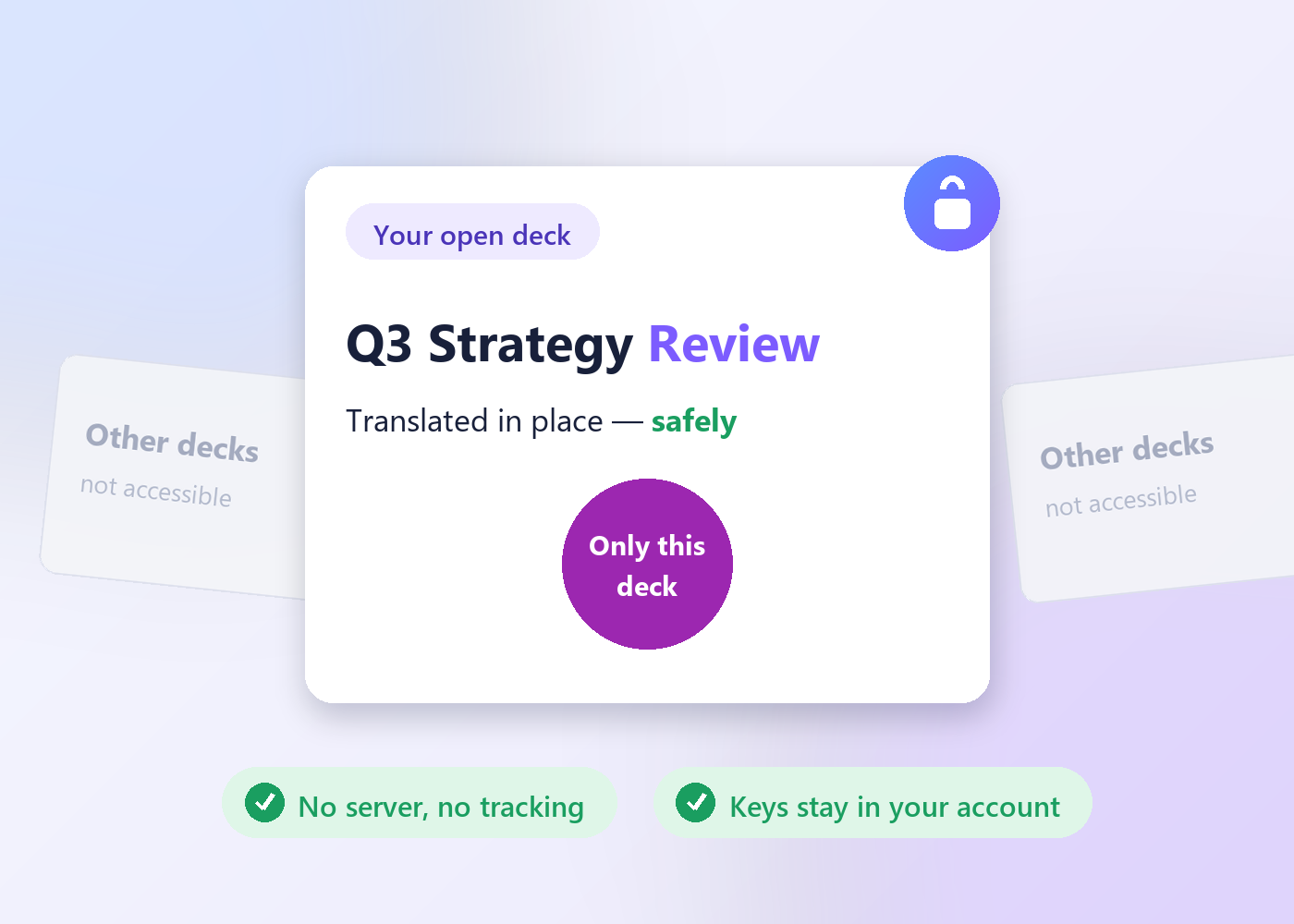
It sees one deck. Yours.
The "current presentation only" permission means your other files aren't just untouched — they're invisible to the add-on.
- No server of ours, no analytics, no tracking
- API keys stored only in your own Google account
- Nothing retained anywhere
Pricing
Start free. Upgrade when you want AI-grade quality.
- Google Translate™ engine — 100+ languages
- Formatting & layout preservation
- Whole deck, one slide, or selection
- Speaker notes
- No artificial caps from us
- Everything in Free
- All AI engines: GPT, Claude, Gemini, DeepL, Mistral, Llama, DeepSeek, OpenRouter
- Professional QA checklist + AI quality score
- Adapt tab: rephrase, shorten, synonyms
- Cancel anytime
💎 Premium launches very soon. Be first to know:
FAQ
Which languages are supported?
100+ languages with the built-in Google Translate™ engine and with the chat-AI engines. DeepL supports its own, smaller set (27 languages in our picker).
Will it keep my bold text, colors and links?
Yes — formatting is preserved, including styling on individual words inside a text box. Very heavily styled boxes fall back to the box's main style.
Will translations break my slide layout?
The AI engines are instructed to keep the translation as close to the original length as possible — same length or shorter whenever quality allows — so your design stays intact.
Do I need an API key?
Not for the free engine. For AI engines you bring your own key (for example a free Google Gemini key) — one click on the engine shows where to get it. Keys are stored only in your own Google account.
Does the free engine have limits?
We add no caps of our own. Google's built-in translation service has its own generous daily per-user limits — in everyday use they're more than enough for translating decks all day, and the quota is personal, not shared with other users.
Is my presentation content safe?
The add-on works only on the presentation you have open and runs no servers of its own. With the free engine, translation is performed by Google as part of Google Workspace™; with an AI engine, your text goes only to the provider you chose, under your own key. See the Privacy Policy.
How does the free trial work?
One click activates all AI engines for 5 slides in total — no card needed. You bring your own API key (free Gemini keys work great).
Can I cancel Premium?
Anytime — the subscription is handled by Paddle (our Merchant of Record), and cancelling stops future charges. The free engine keeps working forever.
Translate your next deck in one click.
Free engine included · 5 AI slides to try · formatting and layout preserved
Get it for Google SlidesContact us
Questions, bug reports, feature ideas — we usually reply within one business day.
Prefer email? Write to info@bilingoplus.com
Privacy Policy · Terms of Service · Support
Google Slides™, Google Translate™, Google Workspace™ and Gemini™ are trademarks of Google LLC.
This add-on is an independent product and is not endorsed by or affiliated with Google.